Managed M365 Security Audit Checklist for Regulated Organizations

Start your Microsoft 365 security audit with a clear scope and practical controls so you can show auditors and leadership real remediation steps. This post gives a hands-on, prioritized managed m365 security audit checklist you can run on a tenant, whether you manage M365 in-house or with a provider like Armour Cloud.
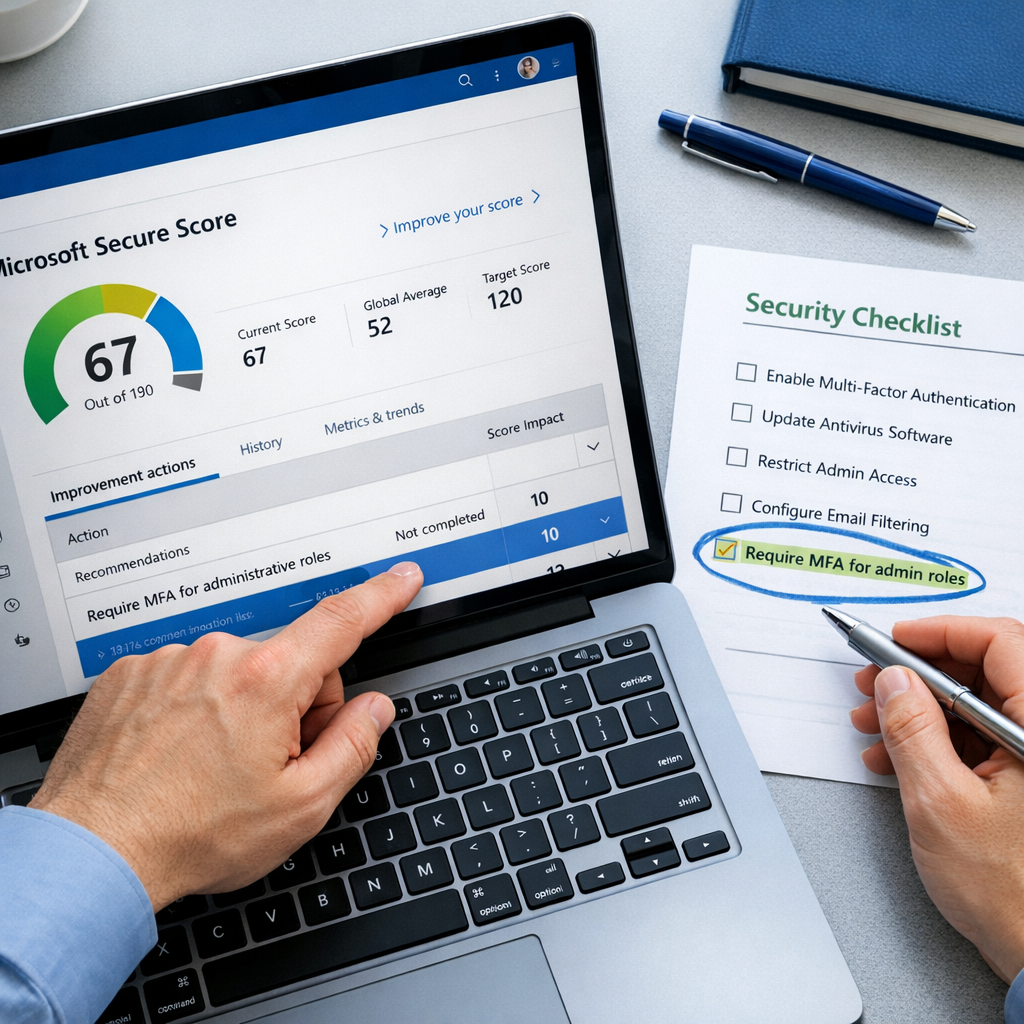
Why a managed M365 security audit matters
Regulated organizations face both technical risk and compliance obligations. An audit does more than find gaps, it creates evidence for HIPAA, SOC 2, and PCI audits, reduces breach risk, and lowers long-term cost by fixing root causes. Running a managed Microsoft 365 audit helps you track remediation progress, improve Secure Score, and close risky shortcuts like legacy authentication or overly permissive admin roles.
Audit scope and prep
Define scope and stakeholders
- Identify the tenant(s), workloads (Exchange, SharePoint, Teams, OneDrive, Power Platform), and third-party apps.
- Involve compliance, IT, and a business owner for each workload.
- Decide audit depth: configuration review, log review, user testing, and control testing.
Collect evidence and tools
- Export Secure Score and improvement actions.
- Pull Entra ID (Azure AD) sign-in logs and audit logs.
- Collect Defender for Office 365, Purview/DLP, and Intune/Endpoint data.
- Use PowerShell, Graph API, or partner tools for bulk reporting.
The checklist: prioritized items to audit
1. Identity & authentication
- Verify MFA is enabled and enforced for all admins and privileged roles. Use conditional access policies for risk-based enforcement.
- Disable legacy authentication protocols (IMAP, POP, SMTP AUTH) where possible.
- Review admin assignments, remove stale global admins, and enable PIM (privileged identity management).
Why it matters: MFA blocks the vast majority of account compromises, and removing legacy auth closes attacker entry points.
2. Access control and least privilege
- Audit role-based access control and remove over-permissioned accounts.
- Enforce least privilege for service and application principals.
- Implement Conditional Access policies for device compliance, location restrictions, and session controls.
3. Email protection and anti-phishing
- Ensure DKIM, SPF, and DMARC are correctly published and monitored.
- Verify Defender for Office 365 features: Safe Attachments, Safe Links, anti-phishing, and mailbox intelligence are enabled as appropriate.
- Run attack simulation training and review click rates.
4. Data protection and classification
- Check Purview sensitivity labels and DLP policies across Exchange, SharePoint, Teams, and OneDrive.
- Validate auto-labeling rules and retention policies against compliance requirements.
- Confirm encryption is enabled for data at rest and in transit where required.
5. Device and endpoint security
- Verify Intune enrollment and device compliance policies are applied to users accessing corporate data.
- Confirm endpoint protection and EDR telemetry are integrated with your SOC or managed service.
6. Third-party apps and OAuth risk
- Review enterprise applications and OAuth consents. Remove unused or risky third-party apps.
- Audit app permissions to reduce broad Graph API access that could exfiltrate data.
7. Logging, monitoring, and retention
- Ensure unified audit logging is enabled and retention periods meet your compliance needs.
- Confirm alerts are tuned to reduce noise and that SIEM/SOC ingestion is working.
- Collect evidence artifacts that auditors will request: policy configs, logs, incident timelines.
8. Secure collaboration and sharing
- Audit Teams guest access settings, external sharing on SharePoint, and OneDrive link defaults.
- Enforce expiration for guest invites and review active guest accounts.
How to run the audit efficiently
- Start with Secure Score as a baseline, but don’t rely on it alone. Map Secure Score items to policy evidence.
- Use automated scripts and reports to collect tenant-wide settings.
- Prioritize fixes that reduce the largest risk for the least effort: MFA enforcement, disabling legacy auth, and tightening admin roles.
Managed vs in-house audits: when to use a partner
Managed M365 audits give you a repeatable evidence trail, remediation support, and operational sustainment. Armour Cloud’s Managed Microsoft 365 Services can run these assessments and remediate findings while maintaining HIPAA and SOC 2 evidence. If you need Phoenix-based colocation or hybrid setups, Armour Cloud also supports integrated hosting and VDI options for compliant remote access.
Explore our Microsoft 365 Managed Services, Managed Virtual Desktops (VDI), and HIPAA Compliant Managed Cloud Hosting for integrated solutions.
Get Help Securing Your M365 Audit
If you prefer a managed audit with remediation and evidence collection, call (602) 529-3435 or request a consultation at https://armourcloud.io/contact/. Armour Cloud delivers affordable HIPAA-compliant cloud hosting and managed M365 services with 24/7 support.
FAQ
What is the single most important control to enable first?
Enable and enforce MFA for all admin accounts and high‑risk users, then disable legacy authentication. This combination yields the largest immediate risk reduction.
How does Secure Score fit into an audit?
Secure Score is a useful baseline and tracking metric, but audits should verify evidence and operational controls beyond score items, such as role reviews and log retention.
What logs should I preserve for HIPAA or SOC 2 audits?
Retain Entra ID sign-in logs, Exchange and mailbox audit logs, DLP/Purview events, and Defender detections for the period your compliance framework requires. Document retention periods and access controls.
Can Armour Cloud help remediate audit findings?
Yes. Armour Cloud provides managed Microsoft 365 remediation, documentation for auditors, and integrated hosting options to reduce compliance overhead.
How often should I run a managed M365 audit?
Quarterly reviews with monthly monitoring are a strong cadence for regulated organizations. Run deeper audits after major changes, mergers, or incidents.
Summary
A managed Microsoft 365 security audit checklist helps regulated teams reduce risk, create auditor-ready evidence, and prioritize fixes that matter. Start with identity and email defenses, extend to data classification, and use logging and monitoring to prove controls. If you need managed support, Armour Cloud offers affordable HIPAA-compliant M365 services and 24/7 assistance.
Conclusion
Here’s the thing, audits don’t have to be a fire drill. With a clear checklist, repeatable evidence collection, and priority-based remediation you can harden Microsoft 365 without crippling productivity. For regulated teams, a managed approach that pairs M365 controls with compliant hosting and support is the most efficient path to lasting security.
About Armour Cloud
Armour Cloud is a Phoenix-based provider of secure, compliant cloud hosting and managed IT solutions for regulated industries. Armour Cloud delivers high-performance infrastructure built on Arizona data centers, offering low-latency, HIPAA-compliant hosting with 24/7 support.
We specialize in helping healthcare, finance, and legal organizations protect sensitive data, meet compliance requirements, and modernize their IT with scalable, managed cloud environments.
Our Top Services:
- Colocation
- Managed Desktop-as-a-Service (VDI)
- Managed Microsoft 365 Services
- Email Security & Encryption
- Secure WordPress Hosting
- Private Cloud Hosting
- HIPAA Compliant Cloud Solutions
Ready to Secure Your Cloud?
📞 Call (602) 529-3435 or Contact Armour Cloud to get started with a free consultation.