
Managed Virtual Desktop Pricing: HIPAA SOC2 AZ Guide 2025Pro
Managed virtual desktop deployments are getting more attention from regulated organizations because they offer control, centralized management, and stronger data protection compared with unmanaged or public cloud desktops. Choosing the right plan comes down to predictable costs, compliance needs, performance, and who manages day 2 operations.
In this guide we’ll explain pricing drivers, practical examples for healthcare and finance, and ways to lower total cost of ownership while staying HIPAA and SOC 2 compliant. Throughout the introduction I will refer to managed virtual desktop pricing where it helps you compare options and plan budgets.
How to think about managed virtual desktop pricing
Managed VDI pricing is usually a combination of fixed and variable components. Knowing each line item helps you predict monthly spend and avoid surprises.
Core pricing components
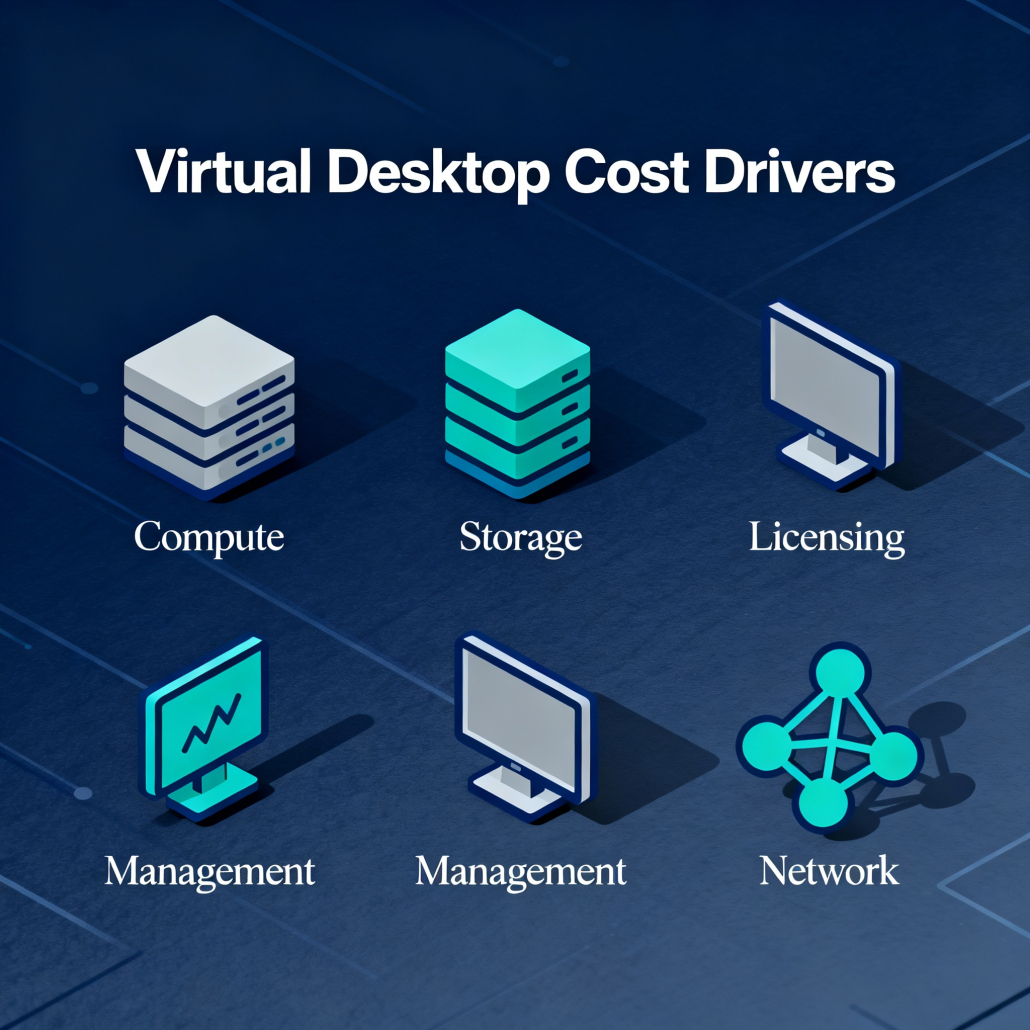
- Infrastructure, compute, and storage, billed per VM, per vCPU, or per GB of storage. Higher-performance workloads and persistent desktops cost more.
- Licensing, including Microsoft Windows, Microsoft 365, and any specialized applications that require per-user or per-device licenses.
- Management and support fees, which cover 24/7 monitoring, backup and DR, patching, and help desk. Managed services are essential for compliance-driven organizations.
- Network and bandwidth charges, particularly for multi-site businesses and telehealth providers needing low-latency connections.
- Security and compliance add-ons, such as encryption, email filtering, audit logging, and HIPAA-specific controls.
- Professional services and onboarding, often a one-time cost for migrations and policies.
Pricing models you will see
- Per-user per-month (PUPM): Simple and predictable, good for steady user counts.
- Per-concurrent-user: Lower cost for organizations with shared seat usage, but planning is trickier.
- Consumption-based: Billed on actual compute and storage usage, fits variable workloads.
- Hybrid model: Base management fee plus usage charges for peak months.
What changes price most for regulated industries
Here’s the thing, compliance and data protection are not optional for healthcare, finance, or legal organizations. They directly increase cost but also reduce risk.
Compliance add-ons and audits
HIPAA, SOC 2, and PCI require technical and procedural controls. Expect separate line items for: encrypted storage, secure backups with retention policies, audit logging, role-based access control, and documentation for audits. These are often included in premium managed VDI plans targeted at regulated clients. Armour Cloud builds compliance into solutions, which simplifies budgeting and audit readiness.
Performance and availability
Low-latency, high-availability virtual desktops hosted in Arizona data centers cost more than standard public cloud instances, but they deliver predictable performance for multi-location firms. Co-locating critical systems or choosing private cloud options reduces latency and can reduce long-term costs compared with repeatedly tuning public cloud instances. Learn more about Colocation and Private Cloud Hosting with Armour Cloud for regional performance advantages: https://armourcloud.io/colocation/ and https://armourcloud.io/private-cloud-hosting/.

Example pricing scenarios (ballpark numbers)
Note these are illustrative. Exact quotes depend on user profiles, apps, and compliance scope.
- Basic knowledge worker, non-persistent desktop: $25 to $45 per user per month, plus licensing. Good for call centers or administrative staff.
- Secure regulated user, persistent desktop with HIPAA controls: $75 to $160 per user per month. Includes encrypted storage, 24/7 support, logging, and regular compliance reviews.
- High-performance imaging workstation: $200+ per user per month for GPU-enabled virtual desktops used in imaging or CAD, plus specialized licensing.
You can lower costs by using non-persistent gold images for most users and reserving persistent desktops for clinicians or legal partners who need installed apps and local state.
How to reduce total cost of ownership
- Right-size VMs and use tiered storage. Avoid oversizing by monitoring after a pilot.
- Consolidate licensing through managed Microsoft 365 Services to reduce redundant costs, and let experts configure conditional access and DLP. Armour Cloud offers managed M365 to help optimize licensing and security: https://armourcloud.io/microsoft-365/.
- Use hybrid cloud patterns for burst compute while keeping core data in a compliant private cloud or colocated environment: https://armourcloud.io/hybrid-cloud/.
- Automate onboarding and offboarding to avoid paying for inactive seats.
- Bundle email security and filtering to prevent costly breaches and reduce help desk overhead: https://armourcloud.io/email-security/ and https://armourcloud.io/email-filtering/.
Procurement checklist for buying managed VDI
- Clear SLA for uptime and support response, 24/7 support included.
- Evidence of HIPAA, SOC 2, or PCI compliance and willingness to sign BAA.
- Transparent pricing sheets showing per-user and variable costs.
- Day 2 managed services details: patching cadence, backup retention, disaster recovery runbooks.
- Data residency confirmation for Arizona-based hosting if local performance and jurisdiction matter. Armour Cloud hosts in Arizona data centers and supports compliance-minded customers, which reduces audit complexity: https://armourcloud.io/hipaa-compliant-cloud-hosting/.
Frequently asked questions
How much should I budget per user for a HIPAA-ready managed VDI?
Budget $75 to $160 per user per month for a fully managed HIPAA-ready deployment with encryption, logging, and 24/7 support. Final pricing depends on compute needs and retention policies.
Is licensing included in managed virtual desktop pricing?
Some providers include application licensing, but often Microsoft and third-party app licenses are billed separately. Ask for a bundled quote that clarifies Microsoft 365 licensing and BYOL options.
Can we mix persistent and non-persistent desktops to save cost?
Yes, mixing both models is a common cost-saving approach. Use non-persistent desktops for general staff and persistent for specialized or supervisory roles.
How do you ensure audits and compliance requirements are met?
Managed providers should supply documentation, system configurations, audit logs, and a willingness to participate in third-party audits. Armour Cloud integrates compliance controls to simplify audits.
What savings come from local Arizona hosting versus big public clouds?
Local hosting reduces latency and often simplifies data residency requirements. For regionally distributed teams, predictable performance reduces help desk time and application troubleshooting costs.
How long does migration to managed VDI usually take?
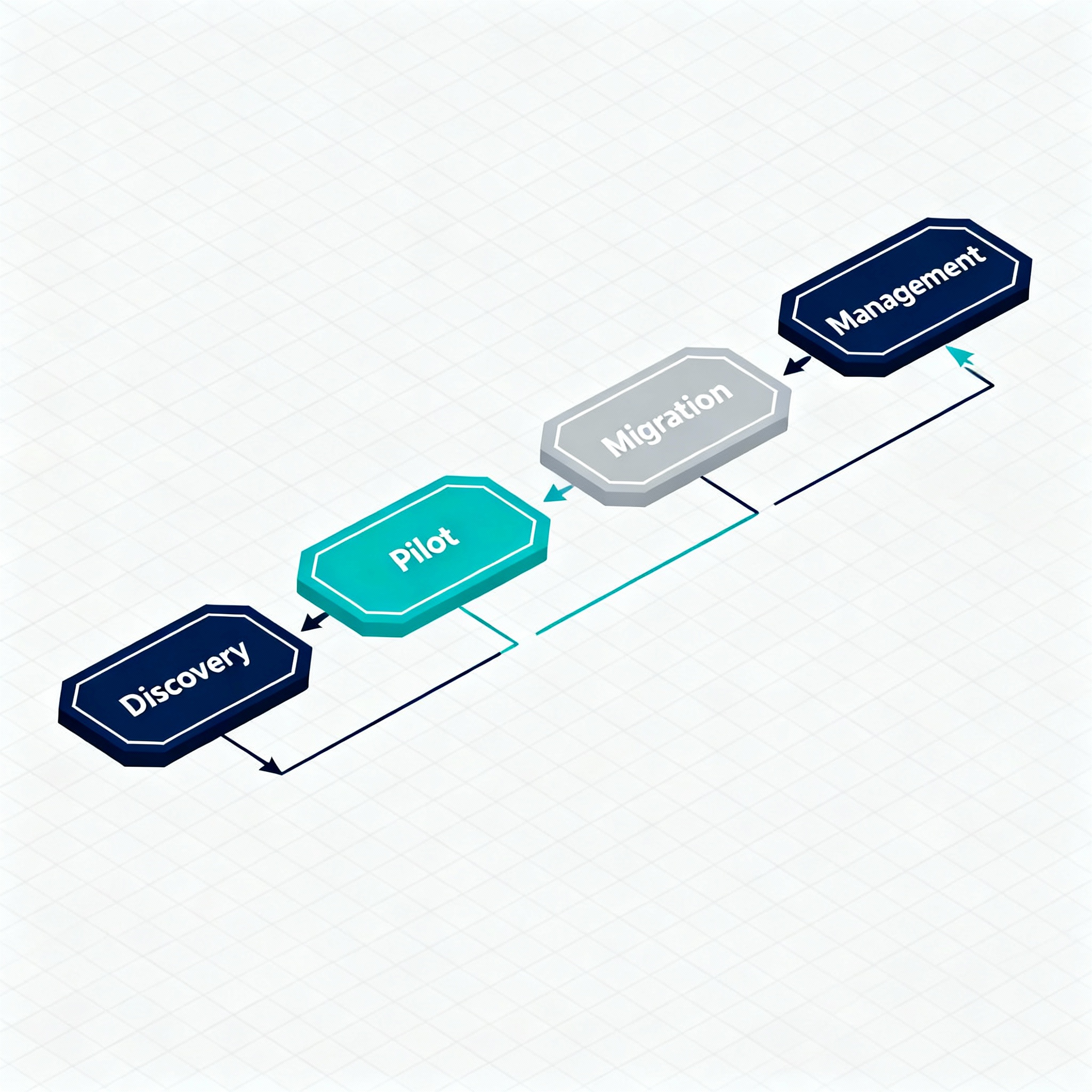
Small pilots can be done in weeks, full migrations depend on application complexity and number of users, commonly 6 to 12 weeks for medium deployments with thorough testing.
Will email and WordPress hosting affect pricing?
If you require compliant email routing and secure WordPress hosting tied to your desktops, bundling services often reduces overall cost and operational overhead. See Compliant M365 Email Service and Secure WordPress Hosting for options: https://armourcloud.io/compliant-email-service/ and https://armourcloud.io/wordpress-hosting/.
Next steps for decision makers
Run a 30-day pilot with a mix of user types to measure real consumption. Ask potential vendors for a sample cost model showing worst-case and average monthly spend. Include onboarding and audit readiness fees in year one budgets.
Ready to get a quote
If you need a transparent, compliance-focused quote and hands-on migration, contact Armour Cloud for a consultation. Call (602) 529-3435 or request a consultation at https://armourcloud.io/contact/ to compare Managed Virtual Desktops, Colocation, and Private Cloud options.
About Armour Cloud
Armour Cloud is a Phoenix-based provider of secure, compliant cloud hosting and managed IT solutions for regulated industries. Armour Cloud delivers high-performance infrastructure built on Arizona data centers, offering low-latency, HIPAA-compliant hosting with 24/7 support.
We specialize in helping healthcare, finance, and legal organizations protect sensitive data, meet compliance requirements, and modernize their IT with scalable, managed cloud environments.
Our Top Services:
- Colocation
- Managed Desktop-as-a-Service (VDI)
- Managed Microsoft 365 Services
- Email Security & Encryption
- Secure WordPress Hosting
- Private Cloud Hosting
- HIPAA Compliant Cloud Solutions
Ready to Secure Your Cloud?
📞 Call (602) 529-3435 or Contact Armour Cloud to get started with a free consultation.


