Securing Remote Desktop HIPAA Compliance: Arizona Guide Tips

Remote access is essential for modern healthcare teams, but connecting to desktops offsite introduces real compliance and security risks. In this guide you will get practical, prioritized steps to lock down remote desktop access while maintaining HIPAA controls and day-to-day usability. In particular, this article focuses on approaches that align with HIPAA administrative, physical, and technical safeguards and shows how managed VDI and local hosting reduce exposure.
Make sure to follow these recommendations when you set up securing remote desktop hipaa compliance across your environment so protected health information stays protected and auditable.
Summary
Remote desktop access can be HIPAA-compliant if you combine managed infrastructure, strong identity controls, session protections, and logging. Use VDI or managed remote desktop services hosted in compliant Arizona data centers to keep PHI inside controlled environments and simplify Business Associate Agreement needs. This article includes a technical checklist, implementation tips, and frequently asked questions for IT leaders and compliance officers.
Why remote desktop security matters for HIPAA
Remote desktops are attractive because they let clinicians and staff work from home or satellite clinics with the same tools they use in-office. Here is the thing, however: a poorly secured remote session can expose PHI through lost devices, credential theft, or lateral network movement. HIPAA requires risk analysis, access controls, audit logging, and encryption, all of which must be demonstrable during audits.
Choosing managed VDI or a hosted remote desktop solution based in Arizona can reduce risk by keeping data and applications in regulated infrastructure rather than on endpoint devices. See Armour Cloud’s Managed Virtual Desktops (VDI) for options tailored to regulated organizations.
Core technical controls (what you must implement)
1. Strong identity and access management
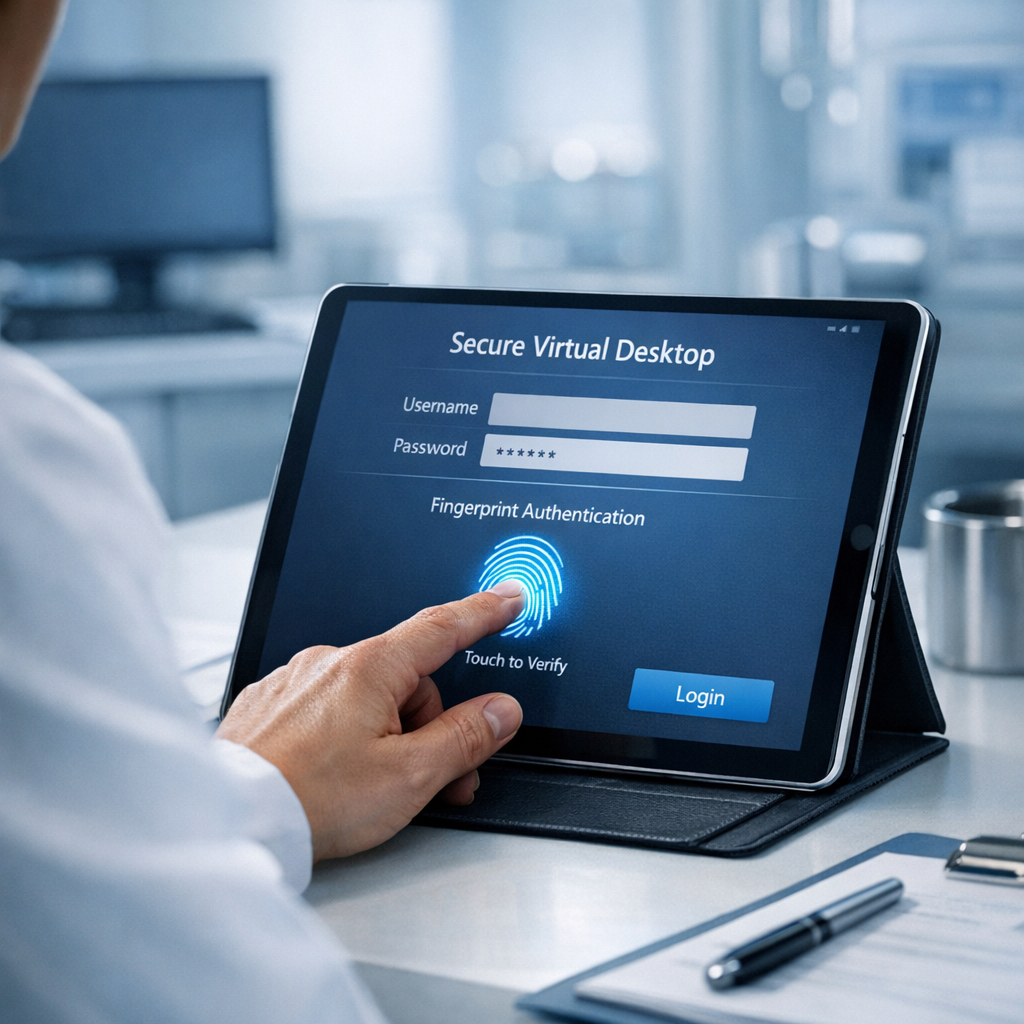
- Enforce multi-factor authentication for all remote desktop access. Use phishing-resistant methods where possible, such as FIDO2 or certificate-based authentication.
- Apply least-privilege role-based access control so users only get what they need.
- Integrate with your identity provider to centralize logging and account lifecycle management.
2. Encryption in transit and at rest
- Require TLS 1.2+ or equivalent VPN tunnels for remote sessions.
- Ensure that session recordings, backups, and stored profiles are encrypted with enterprise-grade keys.
- Use disk encryption on hosts and ensure encryption keys are managed centrally.
3. Use VDI or managed remote desktops to keep PHI off endpoints
Virtual desktops prevent PHI from being stored on user laptops or tablets. With Managed Virtual Desktops (VDI), data remains in the data center, reducing the risk of data leakage on lost or unmanaged devices. Armour Cloud’s VDI offering is designed to align with HIPAA controls.
4. Network segmentation and firewall controls
- Segment remote desktop systems from broader production networks.
- Limit administrative ports and apply strict ACLs.
- Employ intrusion detection and anomaly monitoring to spot suspicious session behavior.
5. Session controls, timeout, and monitoring
- Enforce idle session timeouts and automatic disconnection for inactive sessions.
- Implement clipboard and file-transfer restrictions when necessary.
- Stream or log sessions to a secure audit repository to produce evidence for audits.
6. Endpoint hygiene and conditional access
- Require endpoint posture checks before allowing connections, such as updated AV, disk encryption, and OS patch level.
- Use conditional access policies to block access from risky locations or unmanaged endpoints.
7. Audit logging, SIEM, and retention
- Aggregate logs from identity providers, VDI/session brokers, and host systems into a SIEM.
- Keep logs for the retention period required by your compliance program and ensure integrity safeguards.
- Document and test incident response specifically for remote session compromise.
Architectural recommendations for regulated organizations
- Prefer Private Cloud or Colocation hosting inside Arizona data centers for low latency and easier jurisdictional control. See Armour Cloud Colocation and Private Cloud Hosting.
- Use hybrid models for workloads that must integrate with public cloud M365 while keeping PHI inside managed infrastructure. See Hybrid Cloud Solutions and Microsoft 365 Managed Services.
- Add Email Security & Encryption and Email Filtering to reduce phishing risks that target remote credentials.
Implementation checklist (step-by-step)
- Perform a risk analysis focused on remote access and document it.
- Choose a managed VDI or secure remote desktop platform hosted in a compliant data center.
- Configure MFA, conditional access, and RBAC.
- Encrypt sessions and storage, deploy endpoint posture checks.
- Implement network segmentation, firewall rules, and logging.
- Create BAA with your provider and map controls to HIPAA safeguards.
- Run tabletop exercises and penetration tests targeting remote access.
Frequently Asked Questions
How does VDI simplify HIPAA compliance for remote work?
VDI keeps applications and data inside a controlled environment, so endpoints never hold PHI. That reduces the number of device controls you must manage and centralizes logging and backups.
Can I use native RDP and still be HIPAA-compliant?
Native RDP can be used if it is hardened, tunneled through enterprise VPN or gateway, requires MFA, and follows encryption and logging requirements. However, managed VDI often provides better out-of-the-box controls.
What should be included in a Business Associate Agreement for remote desktop services?
A BAA should cover data handling, breach notification timelines, encryption requirements, logging and audit access, and third-party subcontractor controls.
How long should I retain remote session logs?
Retention depends on your compliance program, but keep enough history to support audits and incident investigations. Many healthcare organizations keep detailed logs for at least one to three years by policy.
Are cloud-hosted desktops allowed under HIPAA if the provider is outside my state?
Yes, but you must ensure contractual protections, a BAA, and data location controls meet your risk assessment. Local hosting in Arizona can reduce latency and simplify some legal considerations.
What role does Microsoft 365 play in securing remote desktops?
M365 integrates identity, conditional access, and email protection. Managed Microsoft 365 Services can centralize identity controls and reduce phishing risk that often leads to credential compromise.
Next steps to protect your remote desktop environment
If you want a quick security assessment or to migrate to a managed VDI that meets HIPAA controls, Armour Cloud can help. Explore our HIPAA Compliant Managed Cloud Hosting, Managed Virtual Desktops (VDI), Microsoft 365 Managed Services, and Email Security & Encryption offerings to build a layered, auditable solution. Call (602) 529-3435 or request a consultation today.
Conclusion
Securing remote desktop access for HIPAA compliance is achievable when you combine managed infrastructure, strict identity controls, encryption, and comprehensive logging. Start with a risk-based plan, choose a provider that signs a BAA and offers 24/7 monitoring, and iterate on controls as threats evolve. Local, compliant hosting and managed VDI make audits easier and reduce operational burden so your clinicians can work remotely without added compliance overhead.
About Armour Cloud
Armour Cloud is a Phoenix-based provider of secure, compliant cloud hosting and managed IT solutions for regulated industries. Armour Cloud delivers high-performance infrastructure built on Arizona data centers, offering low-latency, HIPAA-compliant hosting with 24/7 support.
We specialize in helping healthcare, finance, and legal organizations protect sensitive data, meet compliance requirements, and modernize their IT with scalable, managed cloud environments.
Our Top Services:
- Colocation
- Managed Desktop-as-a-Service (VDI)
- Managed Microsoft 365 Services
- Email Security & Encryption
- Secure WordPress Hosting
- Private Cloud Hosting
- HIPAA Compliant Cloud Solutions
Ready to Secure Your Cloud?
📞 Call (602) 529-3435 or Contact Armour Cloud to get started with a free consultation.