Soc 2 Compliant WordPress Hosting Secure Arizona Hosting Now
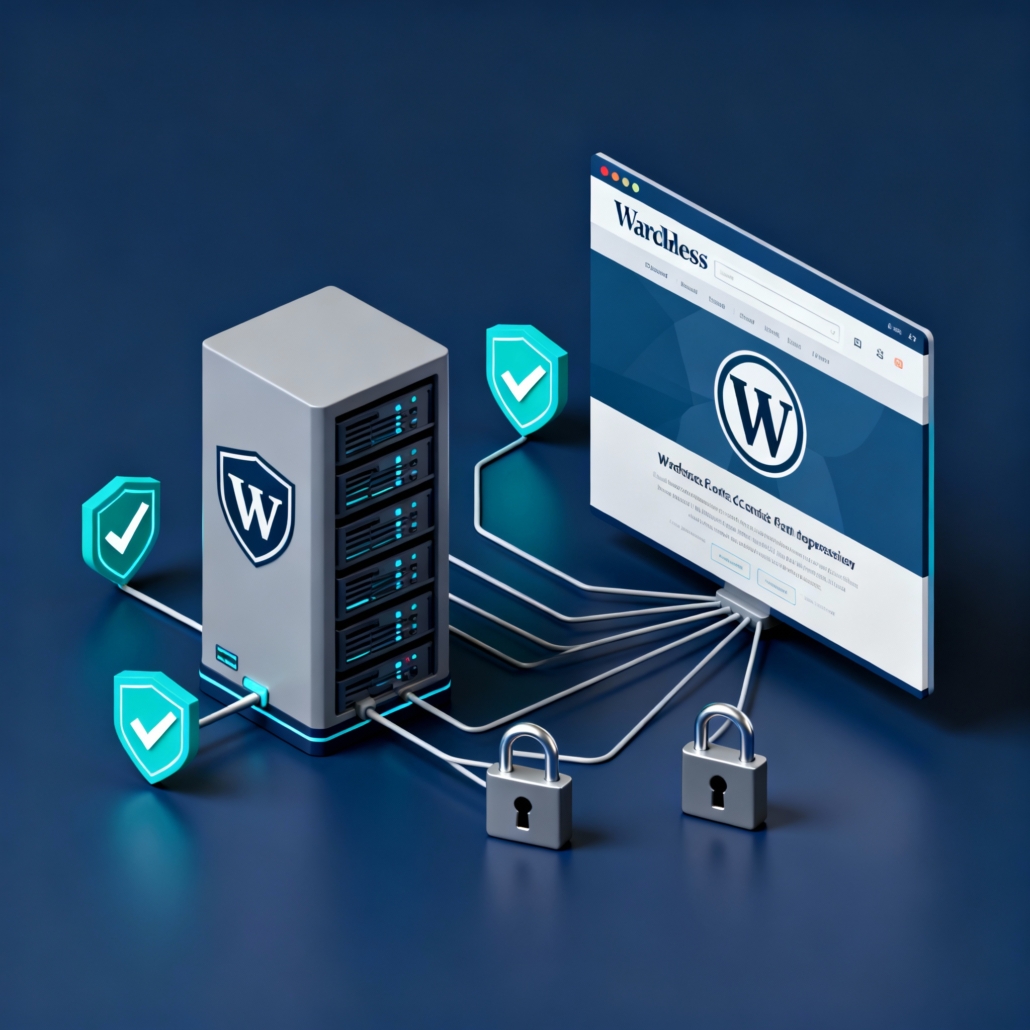
You need a WordPress site that not only performs fast, but also stands up to audits and keeps sensitive data safe. Many organizations assume public cloud hosting solves compliance, but the reality is more nuanced. In this article I walk through what makes WordPress hosting truly SOC 2 compliant, the operational controls you should expect, and how an Arizona-based, managed provider can reduce risk while improving uptime and performance.
Here's the thing, compliance is not a sticker, it is process plus proof. If you want peace of mind for regulated workloads, you should know the difference between a hosting vendor that helps you meet SOC 2 requirements and a generic WordPress host. Below I reference practical steps and solutions you can implement today, and highlight how soc 2 compliant wordpress hosting differs in people, process, and platform.

What SOC 2 Means for WordPress Hosting
SOC 2 is an audit framework that assesses controls relevant to security, availability, processing integrity, confidentiality, and privacy. For WordPress sites that handle protected health information, financial records, or client data, SOC 2 compliant hosting requires documented controls across these areas, not only technical measures but also policies, monitoring, and vendor management.
Key elements you should expect from SOC 2 compliant WordPress hosting:
- Strong access controls and MFA for management consoles, SSH, and database access.
- Environment segmentation, so production sites run in isolated, hardened containers or VMs.
- Continuous monitoring, logging, and retention policies for forensic review.
- Backup and disaster recovery plans with tested restore procedures.
- Vendor and change management processes that reduce configuration drift.
Armour Cloud builds these controls into managed hosting plans that align with enterprise compliance needs, with options for HIPAA-focused configurations and private cloud deployments. Learn more about HIPAA capable environments at https://armourcloud.io/hipaa-compliant-cloud-hosting/.
Architecture Best Practices for Compliant WordPress
Hardened, Segmented Environments
Run WordPress in an environment separated from shared public hosting. Use private cloud or dedicated VMs to ensure isolation and predictable performance. For regulated organizations, private cloud hosting reduces shared-risk exposure. See Private Cloud Hosting details at https://armourcloud.io/private-cloud-hosting/.
Immutable Infrastructure and Configuration Management
Treat servers as replaceable. Use infrastructure-as-code and configuration management so environments are reproducible and auditable. That improves change control and reduces human error.
Managed Backups and Disaster Recovery
Backups must be automated, encrypted in transit and at rest, and include retention policies aligned to your compliance needs. Test restores regularly and document results.
Continuous Monitoring and Logging
Collect system, application, and network logs centrally. Ensure logs are immutable for the audit retention period. Monitoring should trigger alerts for suspicious activity and performance anomalies.
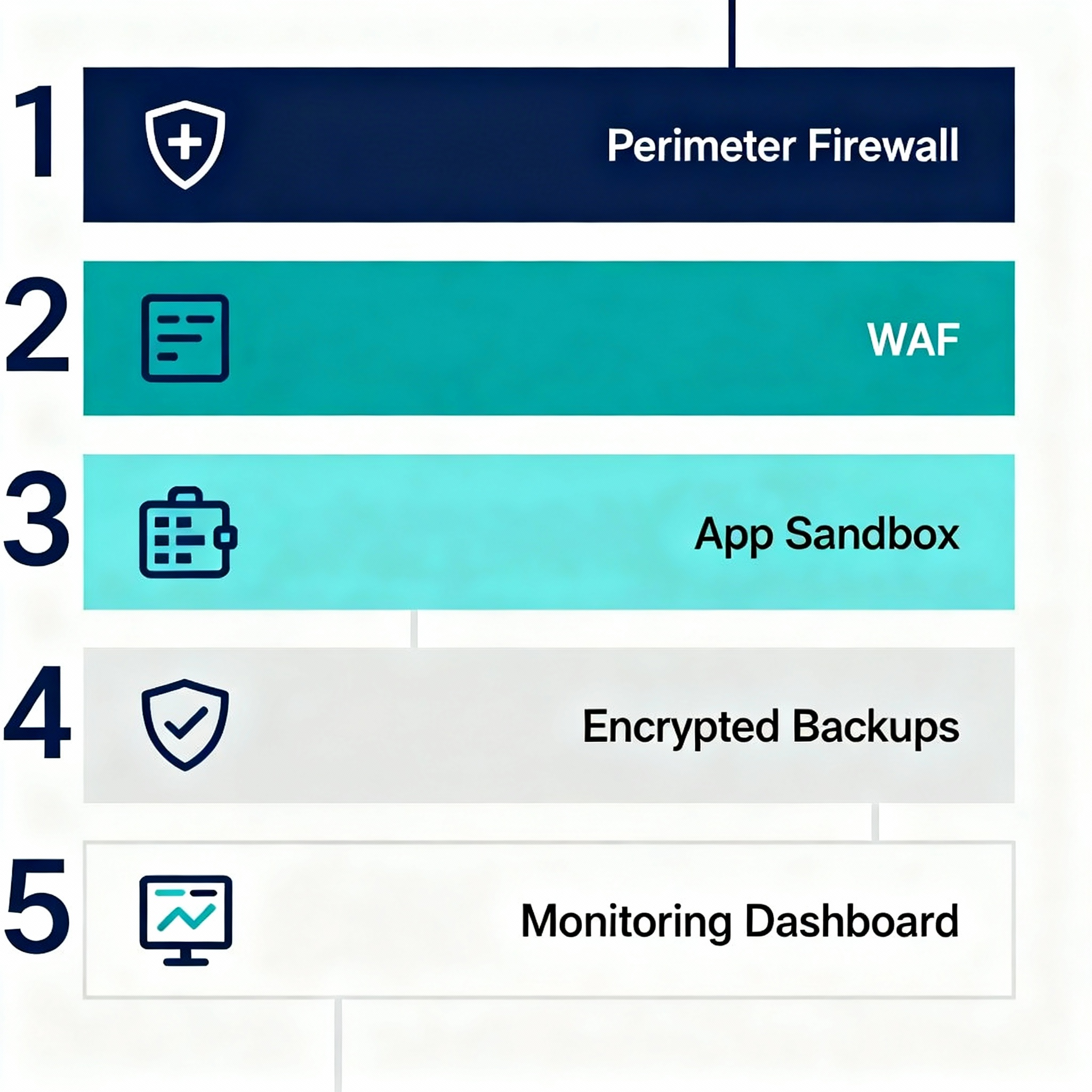
Operational Controls and Policies You Must Verify
- User access lifecycle management, including termination and role reviews.
- Multi factor authentication enforced for admin and developer access.
- Patch management policy for OS, PHP, plugins, and themes, with documented windows and emergency patch procedures.
- Vendor risk assessments for third party plugins and integrations.
- Incident response playbook with documented timelines and communications.
If your team lacks these controls, consider Managed Virtual Desktops or Managed Microsoft 365 Services to reduce endpoint risk and centralize security. Explore options at https://armourcloud.io/virtual-desktops/ and https://armourcloud.io/microsoft-365/.
WordPress Specific Security Steps
- Limit plugin usage and prefer well maintained, widely used plugins.
- Use a web application firewall tuned to WordPress signatures.
- Disable file editing from the WP admin and lock down wp-config.php with strict permissions.
- Enforce strong password policies and session timeouts.
- Implement content delivery and caching close to users for performance without sacrificing security.
For teams that also need secure email and threat filtering, Armour Cloud offers integrated Email Security & Encryption and Email Filtering to protect inboxes and prevent credential phishing. See https://armourcloud.io/email-security/ and https://armourcloud.io/email-filtering/.
How to Validate a Host’s SOC 2 Claims
Ask for the latest SOC 2 Type 2 report or a summary from their compliance officer. Look for:
- Timeframe of the audit and scope of systems tested.
- Independent auditor details and whether the report includes hosting controls relevant to your environment.
- Subservice organization disclosures if the host uses third party infrastructure.
Armour Cloud provides compliance-focused hosting with documented controls and local Arizona-based support for regulated organizations. If you need colocated hardware or low-latency Phoenix presence, learn about Colocation options at https://armourcloud.io/colocation/.
Cost vs Risk: What You’re Really Paying For
SOC 2 aligned hosting costs more than commodity shared hosting, but it reduces risk and audit overhead. You pay for processes, people, and demonstrable control evidence. For healthcare, finance, and legal firms, that financial delta often pays for itself when it avoids breach remediation or compliance fines.
Summary
SOC 2 compliance for WordPress hosting requires technical hardening, documented operational controls, and continuous evidence collection. Choosing a provider that bundles monitoring, backups, and managed security greatly reduces your compliance burden while improving uptime and site performance.
Frequently Asked Questions
What is SOC 2 and why does it matter for WordPress sites?
SOC 2 is an auditing framework for service organizations focused on security and related trust principles. For WordPress sites, SOC 2 ensures hosting providers maintain controls that protect data, maintain availability, and support incident response.
Can a shared WordPress host be SOC 2 compliant?
Technically, parts of a shared host can demonstrate SOC 2 controls, but shared environments increase risk and rarely provide the isolation and access controls required by regulated organizations. A private or dedicated managed solution is preferred.
What documentation should a host provide for SOC 2 validation?
Request the SOC 2 Type 2 report or a summary, control descriptions, incident response templates, and backup policies. Confirm the audit period and scope.
How does SOC 2 relate to HIPAA and PCI for WordPress?
SOC 2 focuses on controls for security and availability, while HIPAA and PCI include specific rules for PHI and payment data. Many hosting providers design controls to support multiple frameworks. If you need HIPAA assurances, see HIPAA Compliant Managed Cloud Hosting at https://armourcloud.io/hipaa-compliant-cloud-hosting/.
How often should backups be tested for compliance?
Test restores at least quarterly, and after any major update or architecture change. Document results and retention to meet audit requirements.
Ready to Secure Your WordPress Site?
If you manage regulated data or simply want a dependable, compliant hosting platform, get a consultation with a local Arizona provider who understands audits and low-latency performance. Call (602) 529-3435 for secure hosting or compliance support, or request a consultation at https://armourcloud.io/contact/.
Conclusion
Moving WordPress into a SOC 2 aligned hosting environment eliminates many of the unknowns that come with shared hosting. You gain documented controls, stronger incident readiness, and consistent operations that auditors can verify. For regulated businesses in healthcare, finance, and legal practice, those benefits are essential. Armour Cloud combines Arizona-based infrastructure, managed services, and compliance-focused processes to deliver secure WordPress hosting backed by 24/7 support.
About Armour Cloud
Armour Cloud is a Phoenix-based provider of secure, compliant cloud hosting and managed IT solutions for regulated industries. Armour Cloud delivers high-performance infrastructure built on Arizona data centers, offering low-latency, HIPAA-compliant hosting with 24/7 support.
We specialize in helping healthcare, finance, and legal organizations protect sensitive data, meet compliance requirements, and modernize their IT with scalable, managed cloud environments.
Our Top Services:
- Colocation
- Managed Desktop-as-a-Service (VDI)
- Managed Microsoft 365 Services
- Email Security & Encryption
- Secure WordPress Hosting
- Private Cloud Hosting
- HIPAA Compliant Cloud Solutions
Ready to Secure Your Cloud?
📞 Call (602) 529-3435 or Contact Armour Cloud to get started with a free consultation.