Securing Remote Desktop for HIPAA: Secure Setup & Compliance

Remote access is critical for modern healthcare operations, but improperly configured remote desktops quickly become a compliance and security risk. In this guide you will learn practical controls, architecture patterns, and operational steps for securing remote desktop for hipaa environments without sacrificing usability for clinicians and remote staff.
Begin by thinking in layers: identity, device posture, network segmentation, encryption, monitoring, and policy. Here’s a clear, prioritized plan you can follow today to reduce risk, satisfy Business Associate Agreement requirements, and keep protected health information safe.
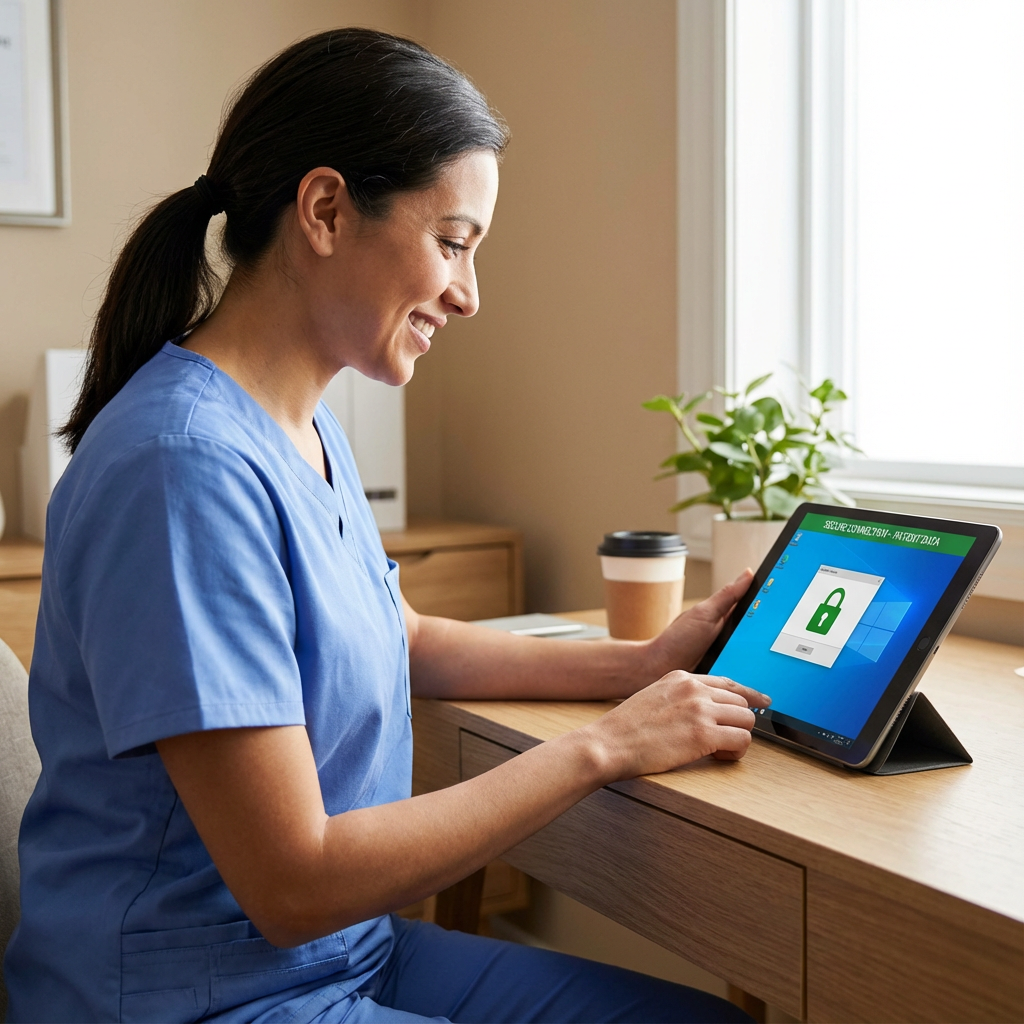
Why remote desktop security matters for HIPAA
Remote desktops and virtual desktop infrastructure centralize apps and PHI, which is great for control. But if access controls, network isolation, or logging are weak, a single compromised credential or endpoint can expose patient records. The goal is to keep PHI inside a hardened, auditable environment while giving staff the remote access they need.
Key benefits of a properly secured approach:
- Data stays in the data center or private cloud, not on unmanaged endpoints.
- Centralized patching, monitoring, and backups reduce breach windows.
- Strong identity controls limit who can access PHI and when.
Core components of a HIPAA-ready remote desktop solution
Identity and access management
- Enforce multi-factor authentication for all remote desktop sessions.
- Use least-privilege role-based access controls and just-in-time elevation for admin tasks.
- Integrate with a managed identity provider that supports conditional access and device posture checks.
Endpoint and device posture
- Require device attestation before granting access: disk encryption, OS patch level, antivirus status.
- Block or quarantine unmanaged devices and use client hardening for remote desktop brokers.
Network segmentation and secure transport
- Deliver desktops over a private, segmented network or VPN with strong encryption.
- Avoid exposing RDP or other desktop protocols directly to the internet. Instead use a gateway or broker that proxies and inspects sessions.
Encryption, logging, and audit trails
- Encrypt data in transit with TLS and use encrypted storage for session artifacts and user profiles.
- Centralize logs, collect session recordings where permitted, and retain audit data to meet HIPAA technical safeguards.
Least privilege and application control
- Provide task-specific desktops or published applications to reduce the attack surface.
- Implement application allow-lists and block unknown executables inside the VDI environment.
Monitoring and incident response
- Run continuous monitoring with alerting for anomalous access patterns, large data exports, or unusual session durations.
- Maintain an incident response playbook and test it through tabletop exercises focused on remote access compromise.
Practical deployment patterns and recommendations
Managed VDI for healthcare teams
Managed virtual desktops are ideal because PHI remains in the data center and admins can enforce uniform security baselines. Armour Cloud’s Managed Virtual Desktops include baseline hardening, MFA, and logging to support compliance. Learn more about Managed Virtual Desktops (VDI).
Hybrid model with least-resident PHI
Where low-latency or local resources are required, use hybrid cloud: local colocation for performance-critical systems while hosting sensitive data and backups in a compliant private cloud. See Colocation and Hybrid Cloud Solutions for options.
Microsoft 365 integration and secure email
When clinicians use Office apps remotely, enforce managed M365 configurations such as DLP policies, conditional access, and secure mail routing. Armour Cloud’s Microsoft 365 Managed Services and Compliant M365 Email Service can help enforce these controls.
Step-by-step checklist to secure an RDP/VDI deployment (actionable)
- Inventory remote access points and map where PHI is reachable.
- Configure an identity provider with MFA, conditional access, and role-based controls.
- Place a hardened RDP/VDI broker or gateway in front of desktops, disable direct protocol exposure.
- Enforce device compliance checks and block unmanaged devices.
- Encrypt all session traffic and store profiles on encrypted volumes.
- Enable centralized logging, SIEM ingestion, and alerting for suspicious access.
- Run regular vulnerability scans, patch cadence, and third-party penetration tests.
- Document and sign a Business Associate Agreement for any third-party service managing PHI.
Common objections and how to address them
- “MFA slows clinicians down.” Use adaptive authentication, allowing streamlined access from trusted clinic networks while requiring full MFA for offsite access.
- “We can’t afford downtime.” Use managed providers with proven SLAs, local colocation, and staged cutovers to minimize disruption. Armour Cloud’s Phoenix-based infrastructure supports low-latency performance and 24/7 support.
- “Session recording feels invasive.” Limit recordings to metadata and high-risk incidents, and document retention policies that align with HIPAA minimum necessary principles.
Summary
Securing remote desktops for HIPAA requires layered controls: identity, device posture, network isolation, encryption, monitoring, and strong operational policies. Using managed VDI, compliant Microsoft 365 services, and local colocation reduces complexity and improves audit readiness.
Frequently Asked Questions
What technical safeguards are required for remote desktop under HIPAA?
Remote desktops must implement access controls, unique user IDs, authentication (MFA), encryption of PHI in transit, audit logs, and integrity protections. Combine these with administrative policies and BAAs.
Can we use public cloud VDI for PHI?
Yes, if the provider supports HIPAA controls, offers a signed BAA, and you architect least-privilege access, encryption, and logging. Many organizations prefer private or managed solutions for tighter control.
Is RDP inherently insecure?
RDP can be secure when layered correctly. Avoid exposing raw RDP to the internet; use gateways, brokers, or zero trust access proxies and enforce MFA and device posture checks.
How long should I retain audit logs for remote access?
Retention depends on your risk profile and state laws, but maintain enough history to support incident investigations and audit requests. Work with your compliance officer to set a defensible retention period.
Do we need a BAA with a managed VDI provider?
Yes. Any vendor that creates, receives, maintains, or transmits PHI on your behalf should sign a Business Associate Agreement.
How do I secure remote access for contractors and vendors?
Treat vendors with least-privilege access, time-bound credentials, strict monitoring, and session recording when appropriate. Use jump hosts or isolated published apps instead of full desktop access.
What monitoring tools work best with VDI?
SIEM ingestion, endpoint detection and response within the VDI, session analytics, and anomaly detection are effective. Pair automated alerts with human SOC review.
Next Steps to get compliant and secure today
If you need a hands-on partner to design and manage HIPAA-ready remote desktops, Armour Cloud provides architected Managed Virtual Desktops, HIPAA Compliant Managed Cloud Hosting, and Microsoft 365 Managed Services. Call (602) 529-3435 for secure hosting or compliance support, or request a consultation at https://armourcloud.io/contact/.
About Armour Cloud
Armour Cloud is a Phoenix-based provider of secure, compliant cloud hosting and managed IT solutions for regulated industries. Armour Cloud delivers high-performance infrastructure built on Arizona data centers, offering low-latency, HIPAA-compliant hosting with 24/7 support.
We specialize in helping healthcare, finance, and legal organizations protect sensitive data, meet compliance requirements, and modernize their IT with scalable, managed cloud environments.
Our Top Services:
- Colocation
- Managed Desktop-as-a-Service (VDI)
- Managed Microsoft 365 Services
- Email Security & Encryption
- Secure WordPress Hosting
- Private Cloud Hosting
- HIPAA Compliant Cloud Solutions
Ready to Secure Your Cloud?
📞 Call (602) 529-3435 or Contact Armour Cloud to get started with a free consultation.