
pci compliant email filtering solutions: Secure, PCI DSS Ready
FEATURED IMAGE
Every payment card environment faces phishing, malware, and data leakage risks delivered by email. If your organization handles cardholder data, you must treat email as a primary control point, not an afterthought. This article explains how pci compliant email filtering solutions reduce risk, satisfy PCI DSS requirements, and fit into a broader compliance program.
Summary
This guide covers why PCI-compliant email filtering matters, the core features to require, how to implement filters that support PCI DSS, monitoring and reporting essentials, and how to choose a provider. It includes practical controls for regulated industries and links to managed services and email filtering options from Armour Cloud.
Why PCI Email Filtering Matters
Payment Card Industry Data Security Standard requires protection of cardholder data wherever it transits or is stored, and email can be a vector for both accidental disclosure and malicious exfiltration. Effective email filtering reduces the attack surface, prevents credential harvesting used to access payment systems, and provides the logging and controls auditors expect. For healthcare, finance, or legal firms operating in Arizona and beyond, combining filtering with managed services reduces compliance overhead and cost.
Implementing pci compliant email filtering solutions
Start with a risk-based plan that maps email flows, identifies where cardholder data could appear, and documents controls. Key implementation steps include:
- Classify email flows, inbound and outbound, across corporate, cloud, and managed mailbox environments.
- Enforce content inspection and DLP rules to block card numbers, track 48 most common BIN ranges, and detect track data patterns.
- Use TLS encryption and opportunistic forced TLS for SMTP to protect emails in transit.
- Integrate filtering with identity-aware controls and multi-factor authentication to prevent compromised accounts.
Implement these steps alongside a managed Microsoft 365 strategy or hosted email solution to centralize logging and reduce configuration drift. Armour Cloud’s Compliant M365 Email Service and Email Filtering options help organizations combine filtering with managed policy enforcement.
Core Features to Require
Advanced Threat Detection
Look for sandboxing, URL rewriting, and real-time threat intelligence to catch zero-day payloads and malicious links.
Data Loss Prevention (DLP)
DLP policies must detect PANs and related cardholder data patterns, block or quarantine offending messages, and provide clear justification and workflow for exceptions.
Strong Encryption and Mail Transport Controls
Support for TLS, enforced SMTP security, and secure connectors to cloud mailboxes are nonnegotiable to meet PCI transport requirements.
Detailed Logging and Audit Trails
Filter logs must include message metadata, rule decisions, user actions on quarantined items, and retention consistent with PCI and your internal retention policy.
Role-Based Access and Management
Ensure administrators and auditors have distinct roles. Changes to filtering rules should be tracked and reversible.
Monitoring, Reporting, and Evidence for Audits
Auditors will request evidence that filtering is working. Your program should produce:
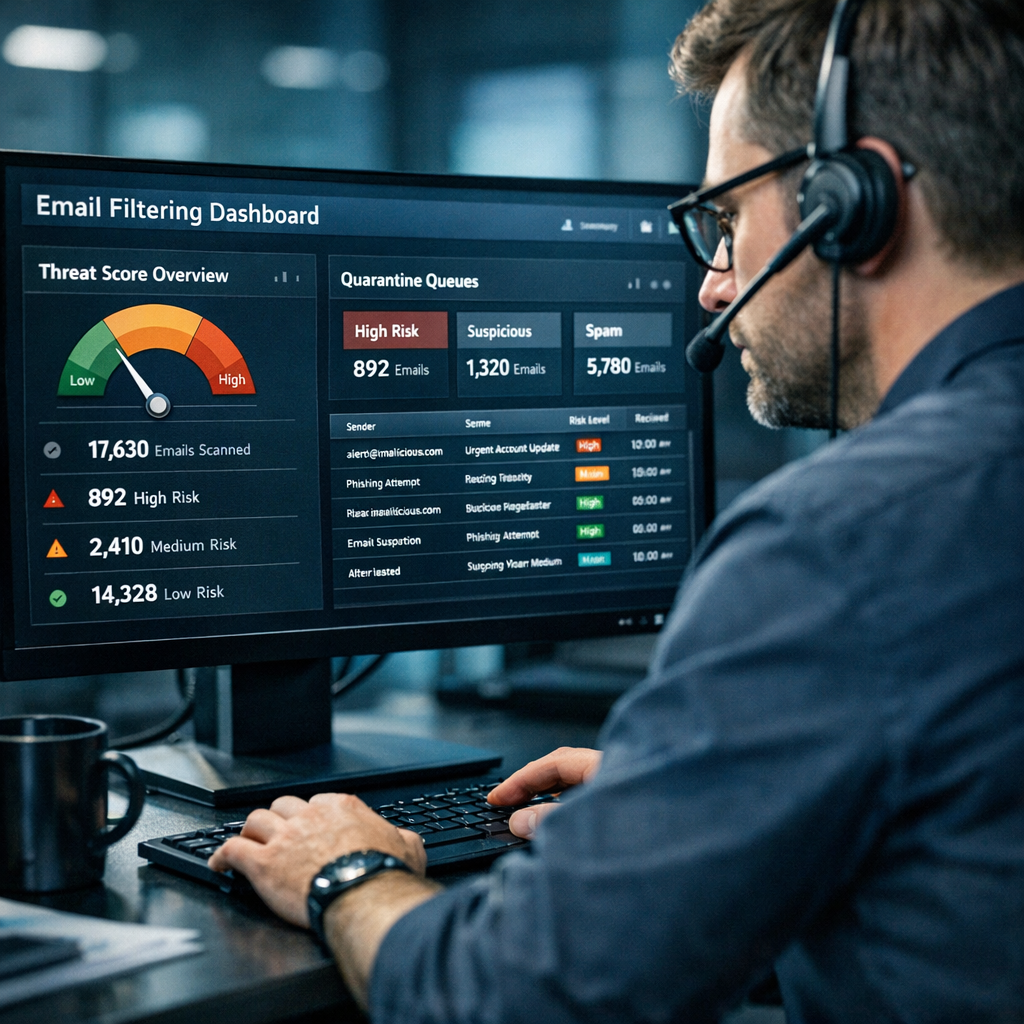
- Periodic reports showing blocked malware, quarantined items, and DLP incidents.
- Tamper-evident logs with retention aligned to PCI and internal policy.
- Incident investigation records linking email events to remediation actions.
Combine filtering reports with Managed Microsoft 365 Services or centralized SIEM to streamline audit preparation. Armour Cloud can help configure reporting and retention to meet PCI DSS evidence needs.
Best Practices for Compliance and Security
- Tune DLP rules to reduce false positives, but keep blocking rules conservative when cardholder data is at risk.
- Apply least-privilege administrative controls and approve rule changes via change control processes.
- Use multi-layered defenses: email filtering, endpoint protection on managed desktops, and network controls in colocation or private cloud environments.
- Run periodic phishing simulations to validate your filters and user training.
- Keep a written policy mapping email controls to specific PCI DSS requirements.
Choosing a Provider: What to Compare
When evaluating vendors, compare these factors:
- Compliance posture, certifications, and willingness to provide evidence for PCI audits.
- Integration with Microsoft 365, hybrid or private cloud mailboxes, and hosted environments in Arizona for lower latency.
- Pricing model, total cost of ownership, and whether managed services include policy tuning and 24/7 support.
- Local presence and personalized support, especially for organizations needing hands-on help with compliance.
Armour Cloud offers affordable PCI-ready email filtering as part of a managed stack, plus nearby data centers for lower latency and predictable performance compared with national hyperscalers. Learn more about Armour Cloud’s Email Filtering, Email Security & Encryption, and Compliant M365 Email Service.
Practical Checklist: Deploying Filters That Pass Audit
- Document email routes and data flow diagrams.
- Enable DLP rules for PAN detection and quarantine on match.
- Enforce TLS and secure SMTP connectors.
- Ensure logs are immutable and retained per policy.
- Configure sandboxing for attachments and URL rewriting.
- Run quarterly reviews and keep change control records.
Frequently Asked Questions
What makes an email filter PCI compliant?
An email filter supports PCI compliance when it reliably prevents or detects transmission of cardholder data, enforces strong transport protection, logs actions for audit, and integrates with your incident response and change control processes.
Can Microsoft 365 be configured to meet PCI DSS for email?
Yes, Microsoft 365 can meet PCI requirements when paired with proper DLP, mail flow controls, encryption, and logging. Many organizations use managed Microsoft 365 services to centralize and harden these settings.
How does DLP identify cardholder data in emails?
DLP uses pattern matching, checksum validation, and contextual analysis to detect PANs and related data, then applies blocking, redaction, or quarantine workflows.
Should I use a cloud filter or an on-prem gateway?
Both can meet PCI requirements. Cloud filters provide scalability and managed updates, while on-prem gateways give local control. Hybrid approaches combine benefits and map well to colocation or private cloud deployments.
How long should I retain email logs for PCI audits?
Retention depends on internal policy and PCI requirements, but logs should be sufficient to recreate incidents and satisfy auditors, typically months to years depending on your risk profile.
What role does employee training play with email filtering?
Training reduces the chance employees bypass controls or fall for phishing. Filters catch many threats, but user awareness is still essential for defense in depth.
Next Steps
If your organization handles cardholder data, start by mapping your email flows and asking your provider for DLP demonstrations, TLS enforcement details, and sample reports. For hands-on help, contact Armour Cloud for a consultation. Call (602) 529-3435 or request a consultation at https://armourcloud.io/contact/.
Conclusion
Email remains a high-risk channel for cardholder data exposure, but with the right controls you can convert it into a monitored, auditable, and enforceable part of your PCI program. Focus on filtering that combines reliable DLP, threat detection, encryption, detailed logs, and managed support. That combination lowers total cost of compliance and gives your auditors clear evidence that controls are effective.
About Armour Cloud
Armour Cloud is a Phoenix-based provider of secure, compliant cloud hosting and managed IT solutions for regulated industries. Armour Cloud delivers high-performance infrastructure built on Arizona data centers, offering low-latency, HIPAA-compliant hosting with 24/7 support.
We specialize in helping healthcare, finance, and legal organizations protect sensitive data, meet compliance requirements, and modernize their IT with scalable, managed cloud environments.
Our Top Services:
- Colocation
- Managed Desktop-as-a-Service (VDI)
- Managed Microsoft 365 Services
- Email Security & Encryption
- Secure WordPress Hosting
- Private Cloud Hosting
- HIPAA Compliant Cloud Solutions
Ready to Secure Your Cloud?
📞 Call (602) 529-3435 or Contact Armour Cloud to get started with a free consultation.


