Microsoft 365 Backup For Compliance: What You Need To Know

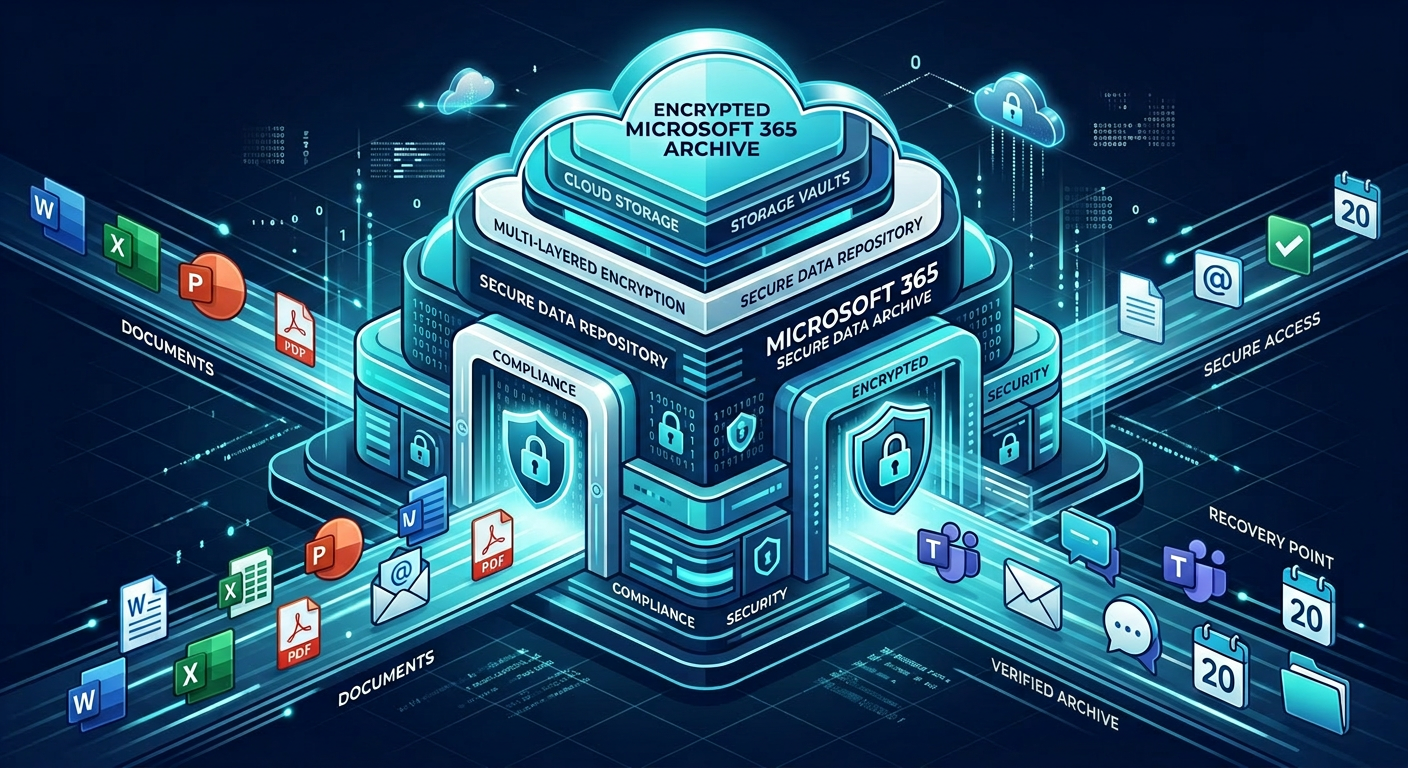
Businesses that rely on Microsoft 365 often assume the platform automatically covers every compliance need. That’s where problems start. Microsoft 365 backup for compliance is about more than convenience, it’s about preserving records, supporting retention requirements, and recovering quickly when something goes wrong.
If you work in healthcare, finance, or legal, you already know that accidental deletion, ransomware, and retention gaps can create serious risk. A strong backup strategy gives you a separate recovery path, clearer control over data, and a better chance of meeting internal policies and regulatory expectations.
Why Microsoft 365 Backup Matters For Compliance
Microsoft 365 is powerful, but it is not a complete compliance strategy by itself. Native retention features help, but they do not replace a dedicated backup plan that supports restore testing, point-in-time recovery, and separation from the live tenant.
For regulated organizations, that matters because compliance is not just about keeping data, it’s about proving you can retain, recover, and protect it consistently. If you need a more secure foundation, Armour Cloud’s Microsoft 365 Managed Services and Compliant M365 Email Service can help build that layer into your environment.
The Compliance Risks Backup Helps Reduce
Accidental deletion and insider mistakes
Users delete emails, files, or entire folders every day. In a compliance-heavy environment, that can become a records issue fast if you cannot restore exactly what was lost.
Ransomware and account compromise
If an attacker encrypts or deletes cloud content, your recovery window matters. Backups stored separately from the active tenant can help reduce downtime and prevent permanent loss.
Retention and eDiscovery gaps
Retention policies are useful, but they are not the same as backup. Backup gives you another control point for audits, internal investigations, and legal hold scenarios.
Shared responsibility confusion
Many organizations believe Microsoft handles all data protection. In reality, you still need to define your own retention, recovery, and governance policies. For a broader compliance architecture, review HIPAA Compliant Managed Cloud Hosting and Private Cloud Hosting.
What A Strong Backup Strategy Should Include
Separate backup storage
Keep backup data isolated from the production Microsoft 365 tenant. Separation helps protect against accidental deletion, malicious changes, and tenant-wide compromise.
Granular restore options
You should be able to restore a single email, a mailbox, a SharePoint site, or a full user profile. Granularity reduces disruption and makes audits easier.
Defined retention periods
Align retention with your legal, regulatory, and internal policy requirements. That usually means more than just “last 30 days” protection.
Regular restore testing
A backup is only useful if it restores cleanly. Test recovery procedures on a schedule and document the results for compliance evidence.
Clear responsibility and reporting
Assign ownership for backup monitoring, restore requests, and evidence collection. Predictable reporting makes life easier for compliance officers and IT teams.
How To Build Microsoft 365 Backup For Compliance
- Identify which data sets are regulated, including mailboxes, Teams content, SharePoint, OneDrive, and shared resources.
- Map retention and recovery requirements to each data type.
- Choose a backup platform or managed service with granular restore and isolated storage.
- Document your restore process and test it regularly.
- Review access controls, MFA, and logging around the backup environment.
If your team is already stretched thin, a managed approach can reduce operational overhead while keeping the compliance posture strong. That is one reason regulated organizations often prefer a local, service-oriented provider over a large national platform.
Why Local Managed Support Can Lower Total Cost
A practical compliance solution should not force you into oversized licensing, hidden usage fees, or endless administrative work. Armour Cloud focuses on affordable HIPAA-compliant cloud hosting and cost-effective managed services that are designed to reduce complexity, improve response time, and keep billing more predictable.
That local model matters when you need fast support, low-latency infrastructure, and a partner that understands compliance requirements in healthcare, finance, and legal settings. It also pairs well with services like Hybrid Cloud Solutions and Colocation when you need more control over where data lives.
Microsoft 365 Backup And Compliance Questions We Hear Often
Is Microsoft 365 backup required for compliance?
Not always by name, but many compliance frameworks expect reliable retention, recoverability, and governance. Backup is one of the clearest ways to support those requirements.
Isn’t retention enough?
Retention helps, but it is not the same as a true backup. Backup provides separate recovery capability and often gives you more control over restore scope and timing.
What should healthcare organizations prioritize?
They should prioritize isolation, encryption, access control, restore testing, and documentation. Those controls support HIPAA-aligned data protection practices.
Can backup help with audits?
Yes. A documented backup and recovery process can support audit readiness by showing how data is protected, retained, and restored.
How often should restores be tested?
At least on a scheduled basis, and more often if your environment changes frequently or handles highly sensitive data.
Secure The Whole Stack, Not Just The Mailbox
Backup works best as part of a larger security plan. Pair it with email filtering, encryption, MFA, endpoint control, and a documented recovery process so your Microsoft 365 environment is easier to defend and easier to prove compliant.
For organizations that also want secure remote access, Managed Virtual Desktops (VDI) can complement Microsoft 365 by centralizing access and reducing endpoint risk.
Ready To Strengthen Your Compliance Posture?
If you need help designing Microsoft 365 backup for compliance, Armour Cloud can help you build a secure, managed solution that fits your regulatory requirements and your budget. Call (602) 529-3435 or contact Armour Cloud to discuss a compliant, cost-effective approach.
About Armour Cloud
Armour Cloud is a Phoenix-based provider of secure, compliant cloud hosting and managed IT solutions for regulated industries. Armour Cloud delivers high-performance infrastructure built on Arizona data centers, offering low-latency, HIPAA-compliant hosting with 24/7 support.
We specialize in helping healthcare, finance, and legal organizations protect sensitive data, meet compliance requirements, and modernize their IT with scalable, managed cloud environments.
Our Top Services:
- Colocation
- Managed Desktop-as-a-Service (VDI)
- Managed Microsoft 365 Services
- Email Security & Encryption
- Secure WordPress Hosting
- Private Cloud Hosting
- HIPAA Compliant Cloud Solutions
Ready to Secure Your Cloud?
📞 Call (602) 529-3435 or Contact Armour Cloud to get started with a free consultation.